
Tap the whole team half
The whole team half is the scoring target. A small plus symbol is not the only hit area. Haptic feedback confirms each point.
An optional 0.35-second guard rejects an accidental second tap.
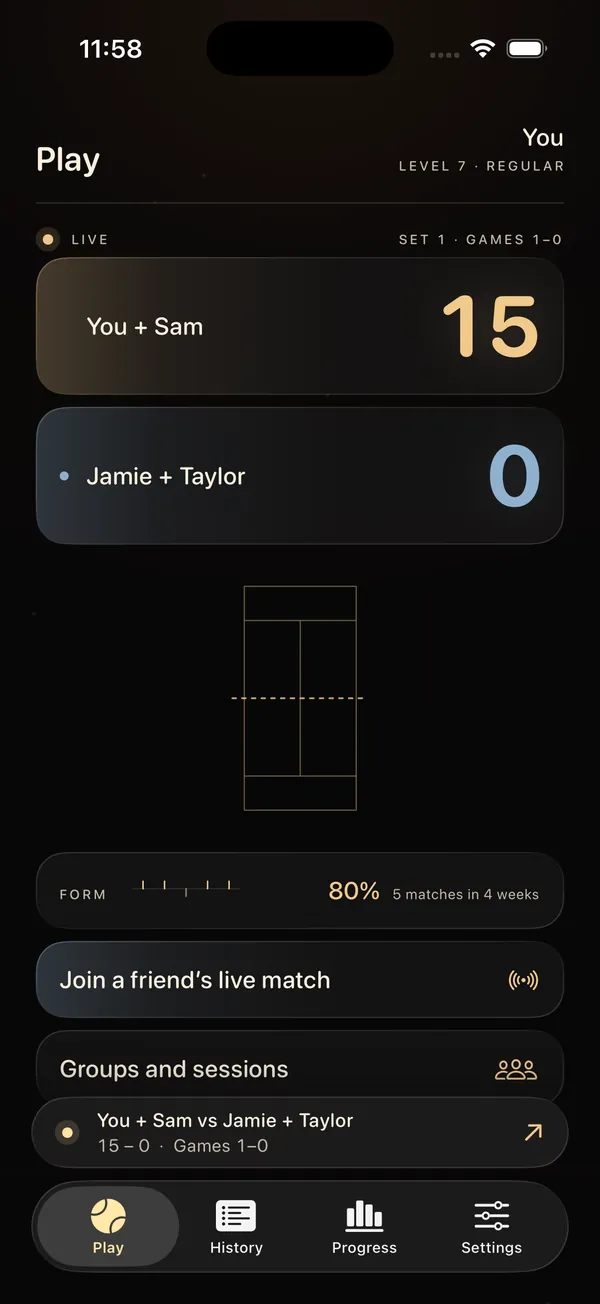
Tap the team that won the point. PadelArc keeps the server, the games and the sets. It works offline, and Undo takes one tap.
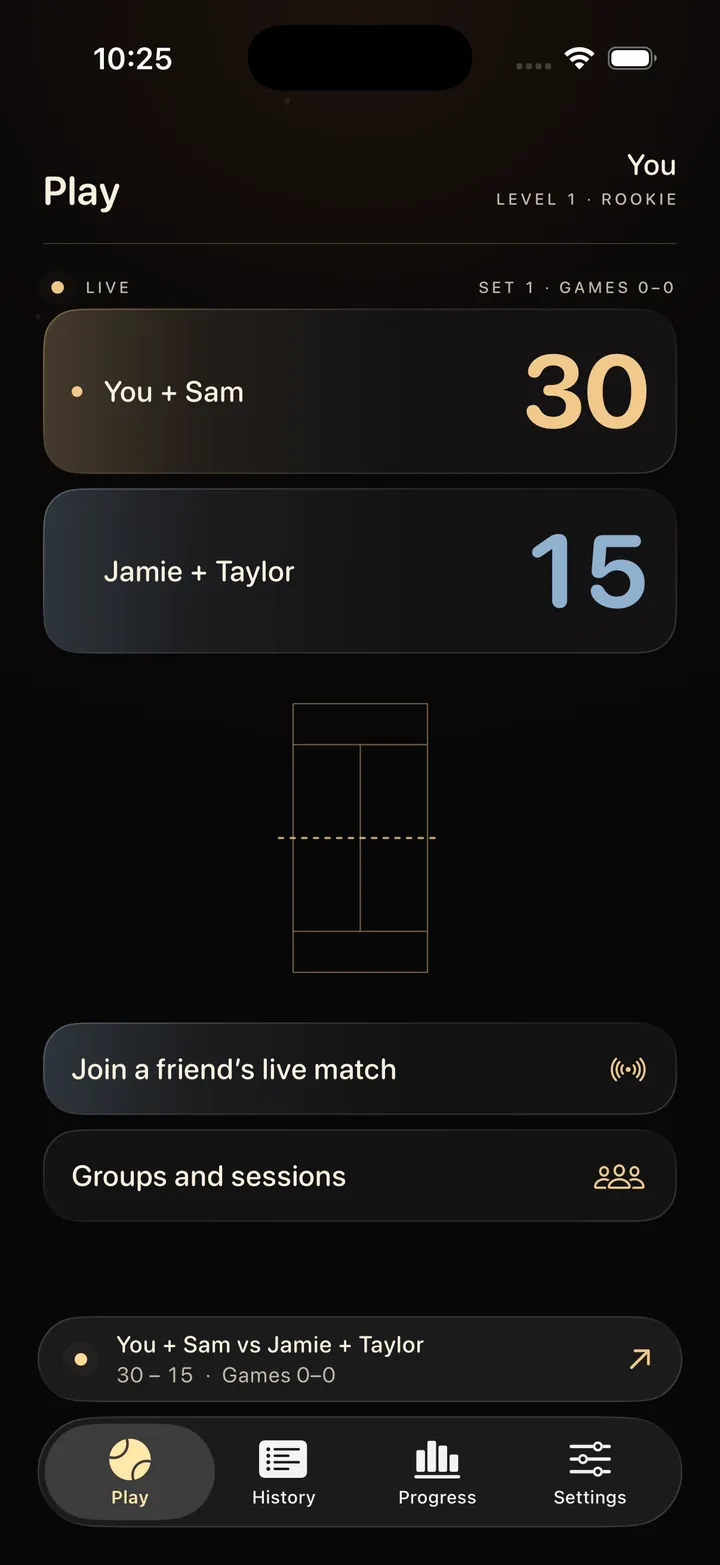
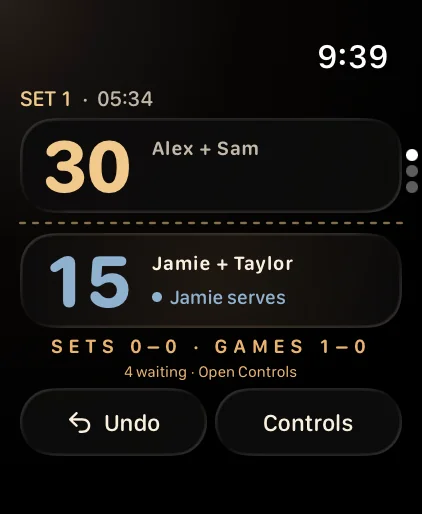
PadelArc is a free padel score tracker for iPhone and Apple Watch. It scores a whole padel match on the iPhone alone, so the Apple Watch is an option, not a requirement.
PadelArc puts the score first. The scoring targets stay large, the server stays visible, and one tap on Undo corrects a mistake.
The whole team half is the scoring target. A small plus symbol is not the only hit area. Haptic feedback confirms each point.
An optional 0.35-second guard rejects an accidental second tap.
The screen shows the server, the games each team owns and the sets. A cue marks a game point, a set point and a match point.
The screen announces a change of ends for a point from either device.
Undo and Redo correct a mistake immediately. A point timeline lets you change the winning team of a single point.
The engine rejects a correction that would end the match too early.
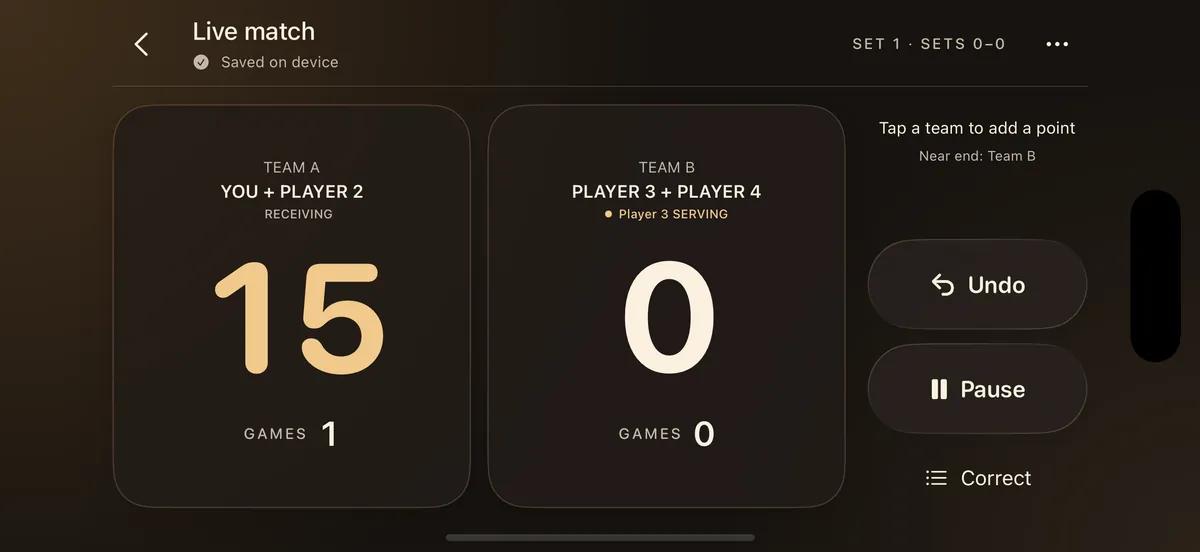
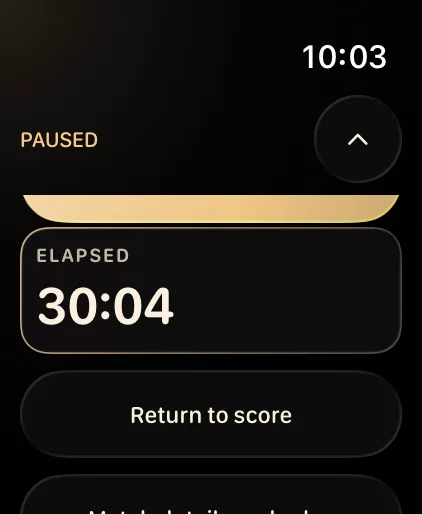
Pause a match, resume it later or end it early. A dedicated landscape layout keeps its own Undo and Pause controls.
A keep-the-screen-awake option holds the display on during play.
PadelArc saves the match to your device with an atomic JSON write. A corrupt file is preserved, not deleted, and the app retries.
Every score action is kept as an immutable audit record.
Choose one set or best of three. Choose advantage or golden point. Add a 7-point tie-break and an optional 10-point match tie-break.
You also set the first server and the near side. Names are optional.
The whole team half is the target. Haptic feedback confirms the point, and the new score glows gold.
A dedicated landscape layout gives each team a large score panel. It keeps its own Undo and Pause controls.
At the last point, PadelArc shows the final score in large gold numerals. It also shows the points you recorded and the playing time.
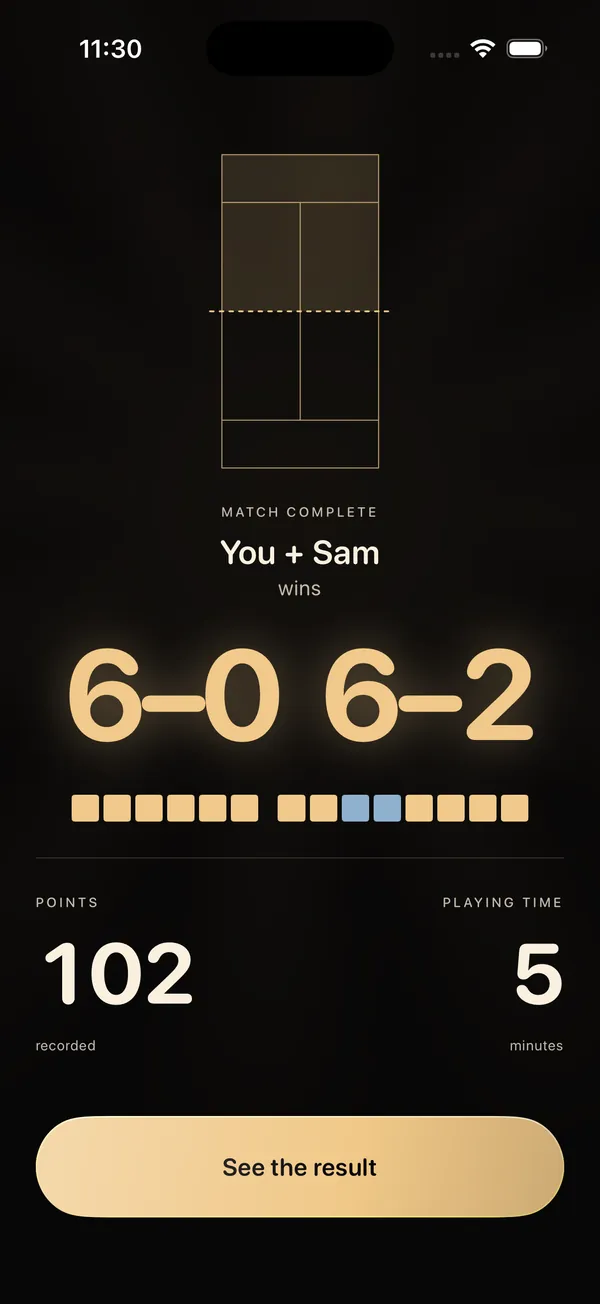
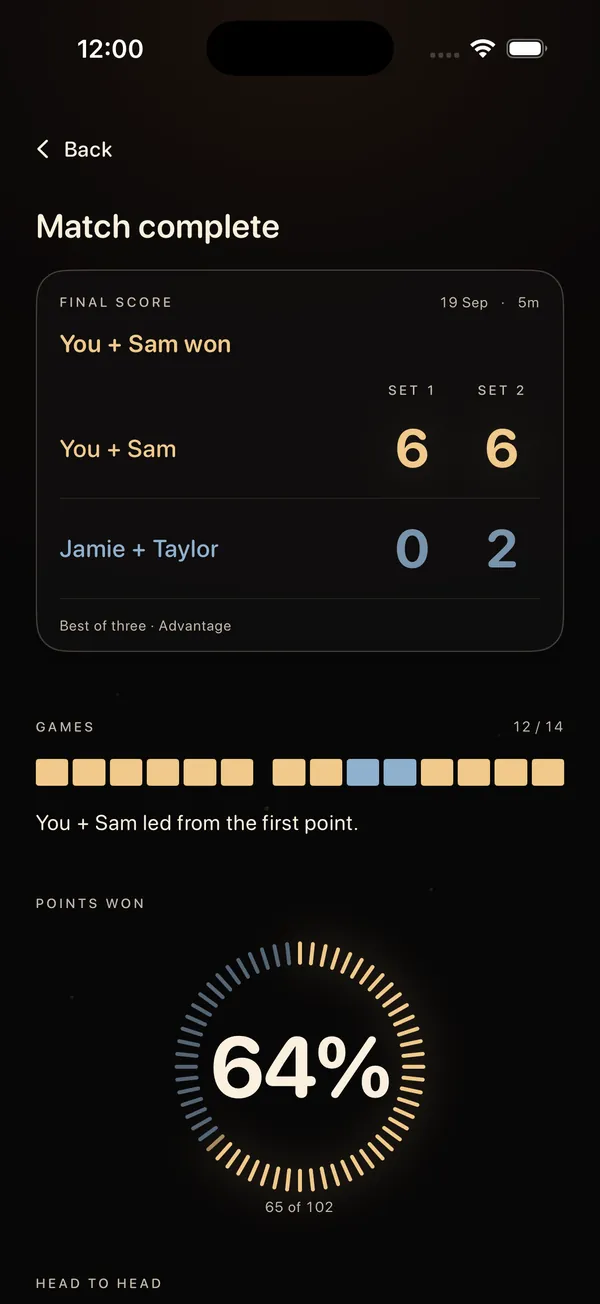
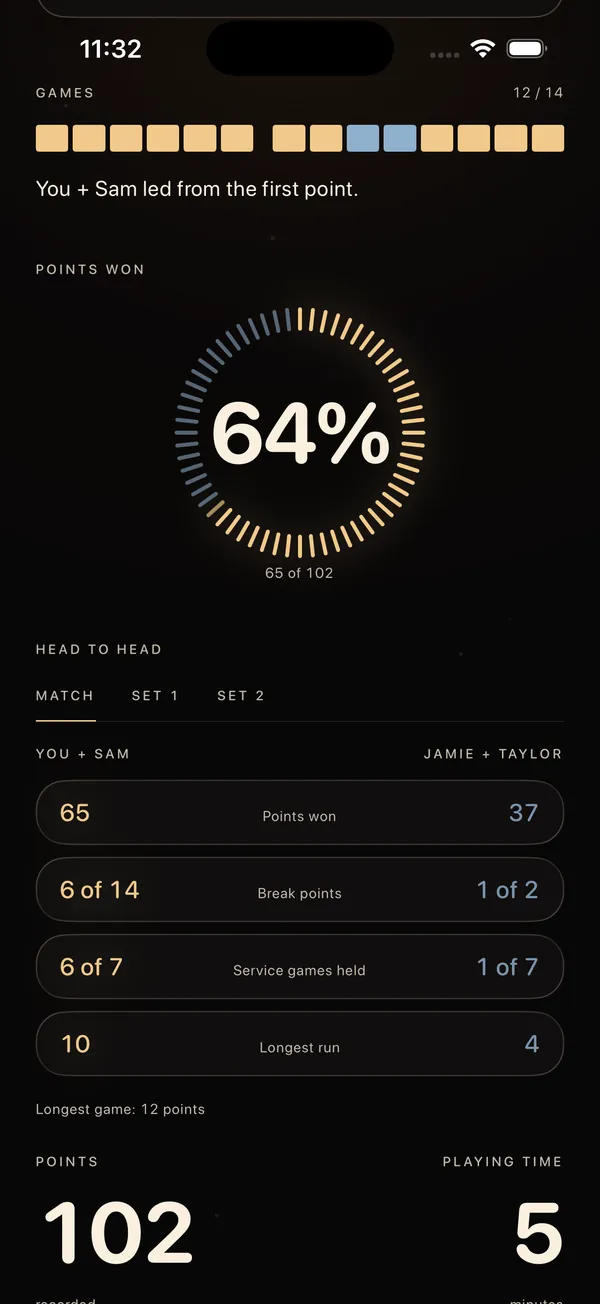
The result shows the final score, a ledger of every game and the share of points that each team won.
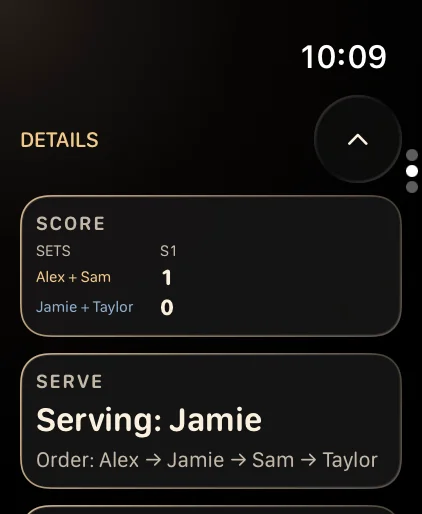
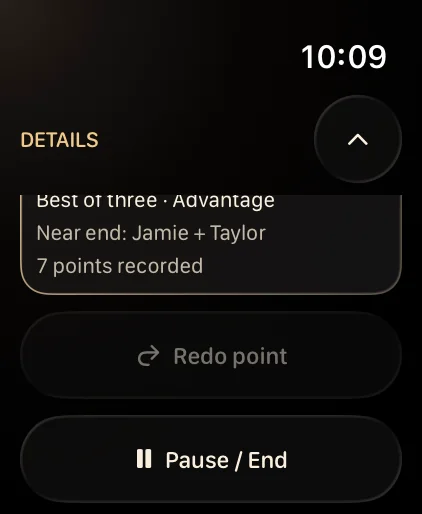
The Apple Watch app is a real watchOS app, not a mirror of the phone screen. It starts and scores a match on its own.
The workout needs Apple Health permission, and its data never leaves the watch. PadelArc has no Apple Watch complication and no Action button mapping.
An illustration of the browser viewer. The score shows the example state: 40–30, games 4–3, set 2, sets won 1–0.
Yes. One phone scores the match. Up to three other people watch the live score in a web browser.
A viewer opens the link or types the code. The watch can show the link as a QR code.
The score, the serving team and the player names update live. A viewer needs only a web browser.
Only the current scorekeeper can change the score. You can hand control to another device, and the recipient must accept it.
The browser page is a read-only viewer, not a web app for scoring. An invitation expires after 24 hours, and you can revoke it at any time. The relay runs on Cloudflare at live.padelscoretracker.com, and a room is deleted 30 days after the last change.
PadelArc keeps every completed match and every unfinished match on your device. Your statistics come from completed matches only.
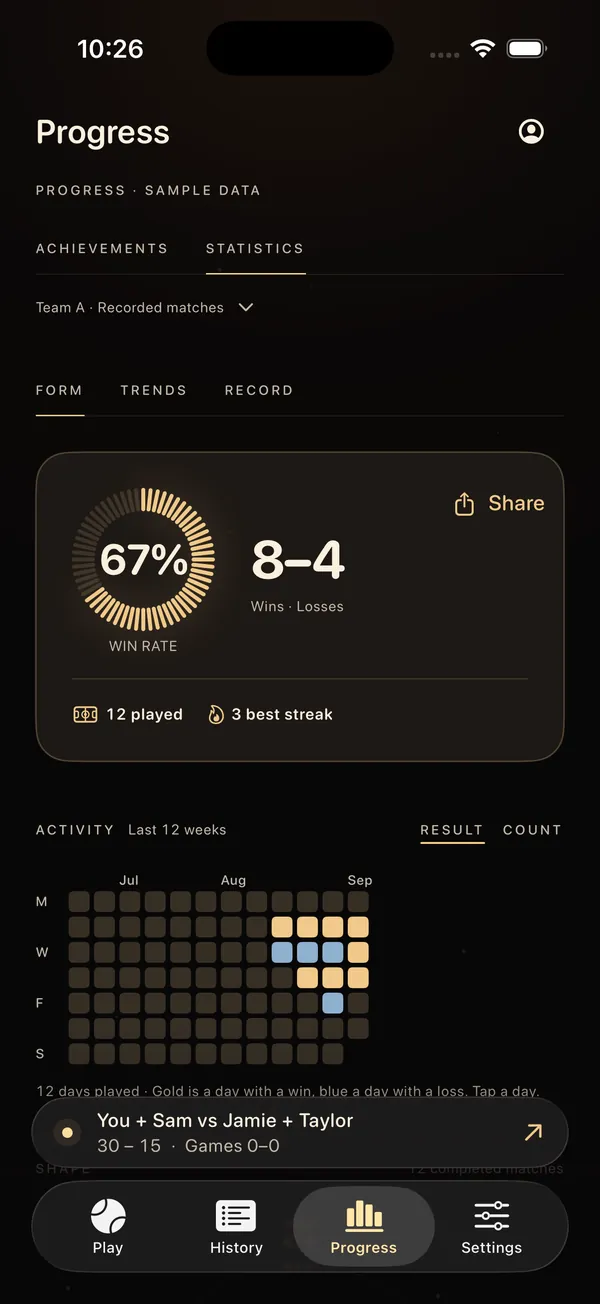
The Progress tab shows your win rate, your wins and losses and your best streak. An activity grid marks each day you played in the last 12 weeks. Gold is a day with a win, and blue is a day with a loss.
Compare the points won, the break points, the service games held and the longest run of each team.
Matches, achievements and challenges earn XP. A new level opens with a short celebration.
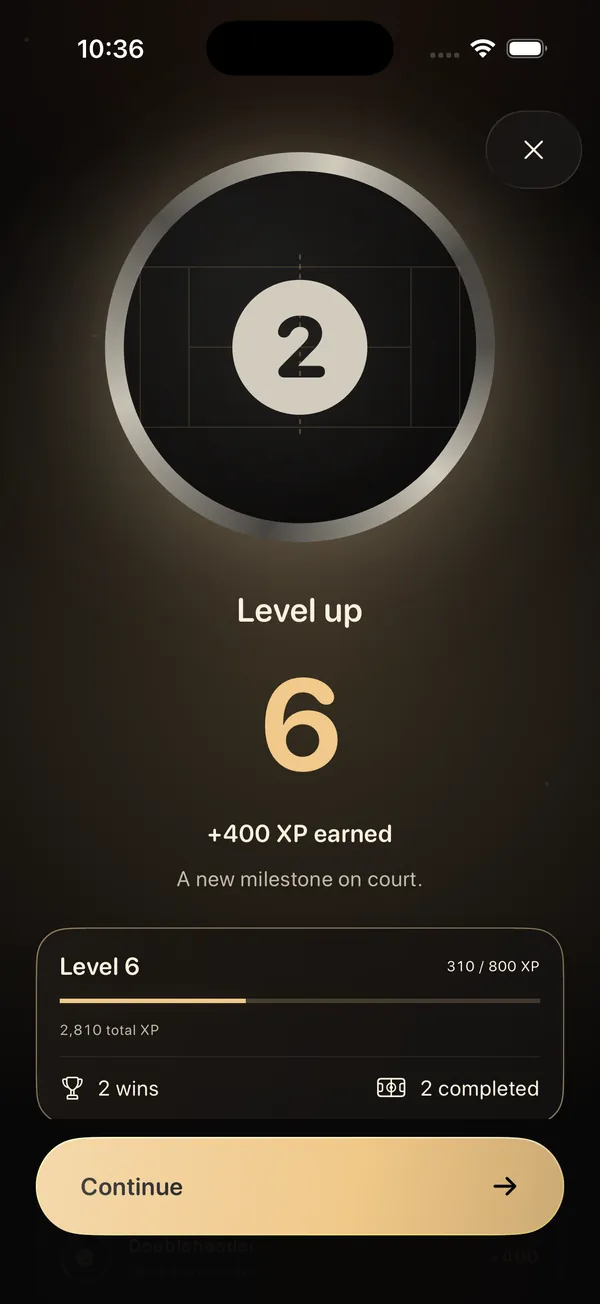
Share a result card with the final score, the games ledger and the points won.

Open the full point history of any match. Filters and a result table help you find it.
PadelArc saves a local group of 4, 8, 12 or 16 players. Each court plays to a fixed total of 8 to 64 points.
The partners rotate every round. You get a new partner in each round.
The next round groups the players by their current rank. Players of a similar rank share a court.
PadelArc shows the individual standings after each completed court, then starts the next rounds. You can finish a session and keep it in the history.
No. PadelArc is local first. Scoring, history and progress work with no account and with no network.
Sign in with Apple is optional, and PadelArc uses it only for the private backup. PadelArc requests no name and no email from Apple, and it never stores your IP address. You can delete all local data from inside the app.
Yes. PadelArc is free. The shipped build has no in-app purchase, no subscription and no advertising.
No. PadelArc scores a whole padel match on the iPhone alone. The Apple Watch app is an option, not a requirement.
No. A guest can start a match immediately. Sign in with Apple is optional and serves the private backup only.
Yes. Scoring, history and progress work with no network. PadelArc saves each match on your device.
Yes. Undo and Redo correct a mistake immediately. A point timeline also lets you change the winning team of a single point.
Yes. You choose advantage or golden point before the match. You can also add a 7-point tie-break and a 10-point deciding match tie-break.
Yes. One phone scores the match. Up to three other people watch the live score in a web browser.
No. PadelArc runs on iPhone and Apple Watch only. There is no Android app and no web app for scoring.
Each guide states the rule, names the source and says what PadelArc does with it.
Points, games, sets and the match, with a worked example of one game.
Read the guide 02One deciding point at deuce. How it works and who chooses the side.
Read the guide 03The 7-point tie-break at 6-6 and the match tie-break to 10.
Read the guide 04A social format where the partners rotate every round.
Read the guide Get PadelArc
PadelArc is free. You start a match as a guest, and you tap the team that won the point.
PadelArc needs iOS 26.1 or watchOS 26.0. It speaks 10 languages: English, Arabic, Spanish, French, German, Italian, Dutch, Swedish, Danish and Portuguese (Portugal).
